Find your college
Search for your college and you're in — courses, sections, and professors ready and waiting. Don't see your college? Request it in a tap and we'll work on adding your campus.


The full scheduling experience is free for every student. Pro adds extra features to make it even easier.
Get started
Start in seconds with live data pulled straight from your university.
Search for your college and you're in — courses, sections, and professors ready and waiting. Don't see your college? Request it in a tap and we'll work on adding your campus.
Times, sections, and professors come straight from your college. Every semester is included, even split terms like Summer 1 and 2.
Set your preferences
Utilize preferences and deal-breakers to find schedules that fit your life, not just the first one that "works."
Carve out gaps whenever you need them.
Want Wednesdays clear? Mark a day off and schedules that protect it rank higher.
Heard who's great and who to skip? Steer toward the professors you want and away from the ones you don't.
Hard filters that remove schedules you'd never take.
Review & choose
Browse the ranked list, open any schedule in a clean weekly calendar, flip to full details, and save your favorites before registration opens.
Scroll your personalized list of schedules with the best ones up at the top.
Save the schedules you love and give them names you'll remember.
Open any schedule in a clean weekly calendar, then flip to a text view with everything you need to register.
Every schedule lists each class's registration number. Copy them in a tap and paste them into your college's portal when registration opens.
ScheduleLab Pro
Everything in Free, plus a few extra features for the students who live by their schedule.
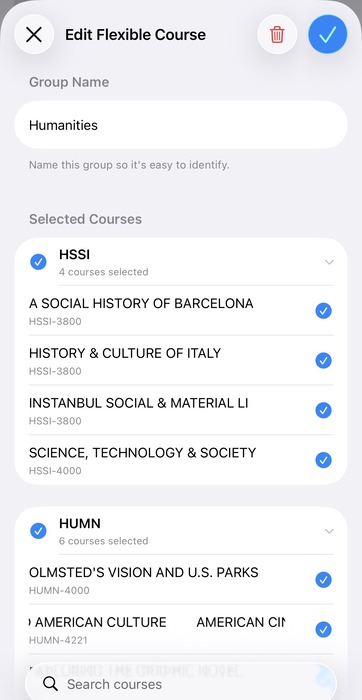
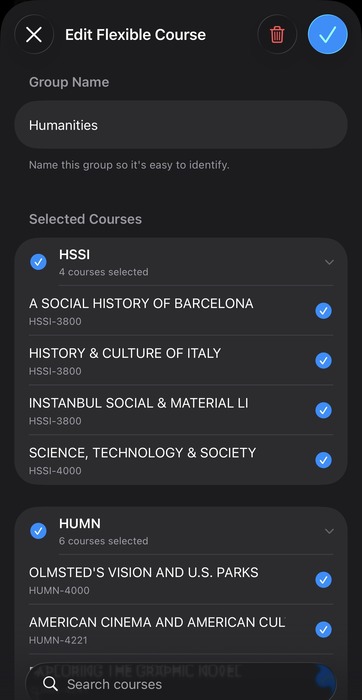
Need electives but not sure what to choose? Lock your core classes, then drop your options into groups. ScheduleLab will build your schedules with one option from every group.
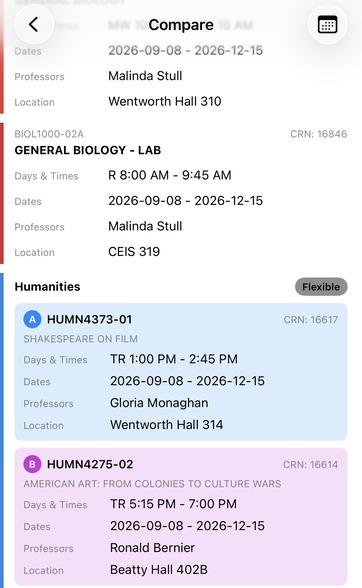
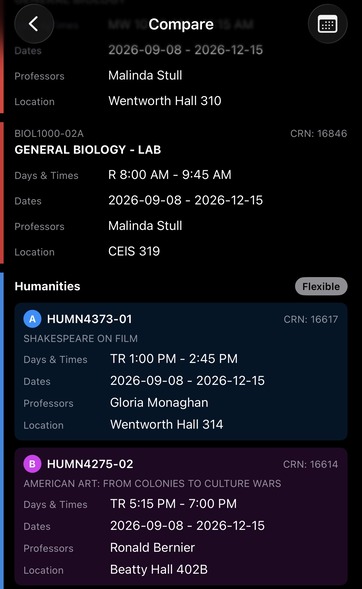
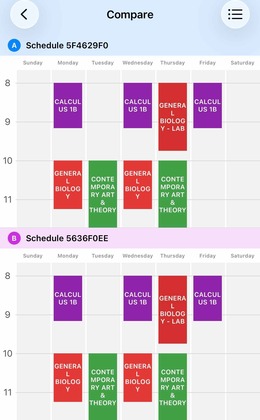
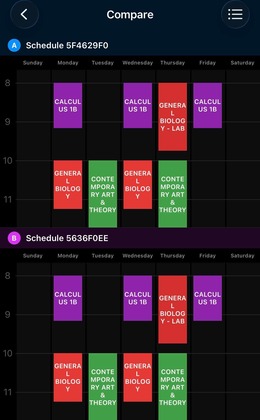
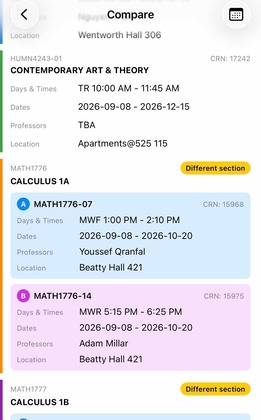
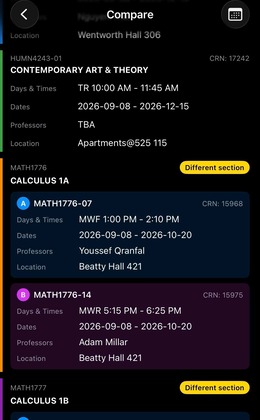
Have two schedules you like? View them in a synced calendar split view to compare! Or switch to a detail view to see everything at once. We'll highlight exactly what's different so you commit with confidence.
No banners, no pop-ups, no interruptions — just you and your schedule for the length of your plan.
New Pro features land in your hands at no extra cost.
Compare features
Compare features across all tiers.
Group your electives and build every combination
Synced split view with differences highlighted